
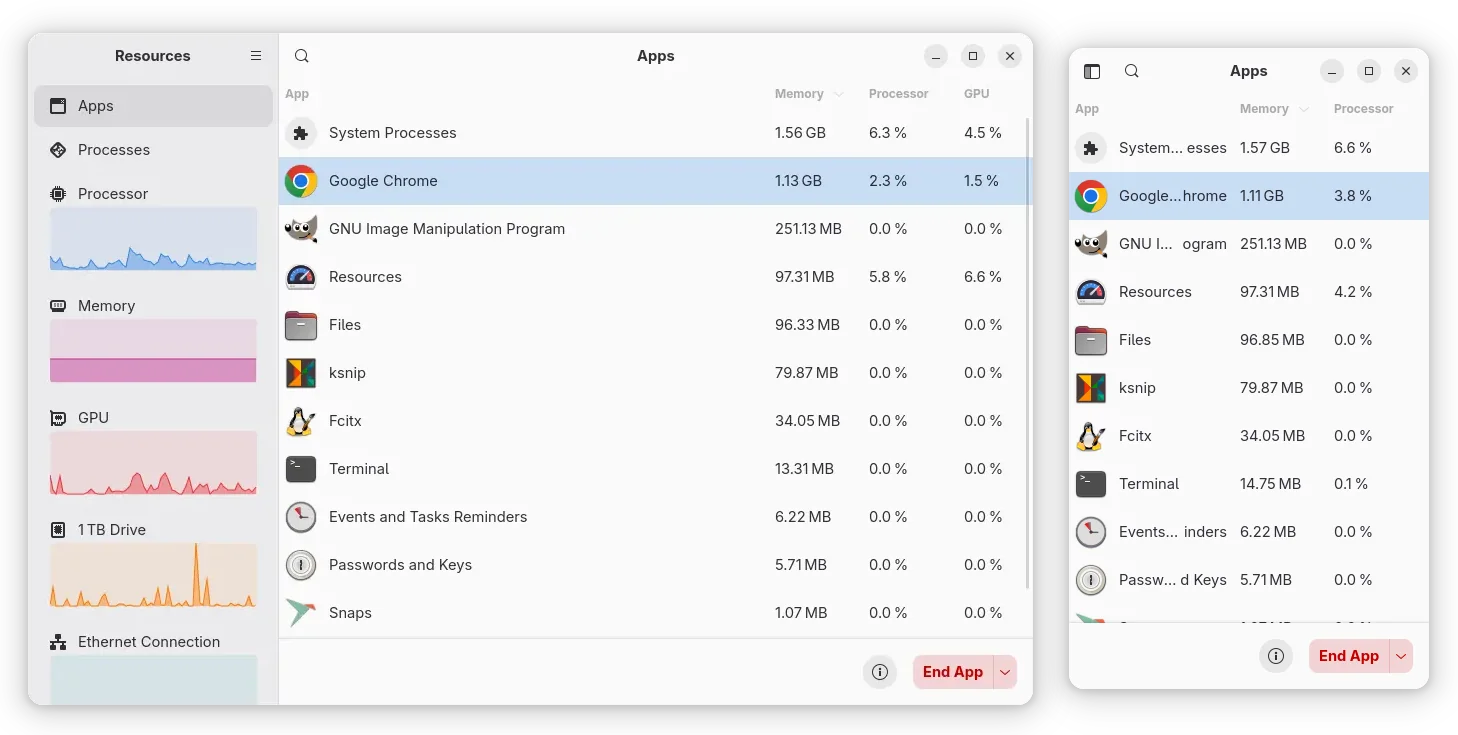
Resources, the modern system monitor and task manager app that’s default in Ubuntu 26.04, released new 1.10.2 version few days ago.
This is a new minor release that includes few bug fixes, translation updates, as well as few improvements for Intel NPU/GPU users.
Resources added initial Intel NPU monitoring support since version 1.7.0. The feature was however limited to core usage only due to the Intel driver, and, it showed wrong values of the NPU usage as reported in this issue.
The issue has been fixed in the new version. And, it now calculates NPU usage correctly, as well supports monitor the core frequency for the Intel Neural Processing Unit (NPU), that’s built-in modern Core Ultra processors.
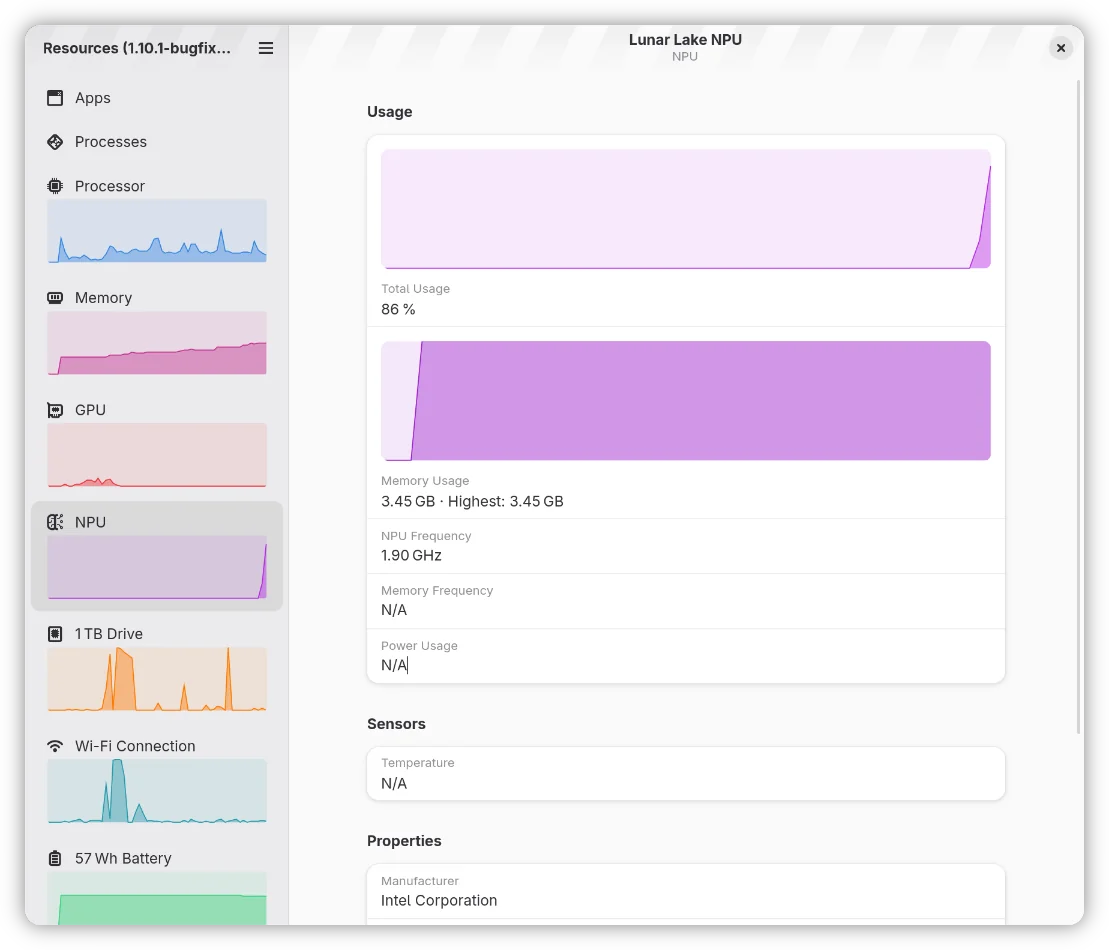
image from https://ift.tt/ayuVctZ
Also for Intel users, the release introduced power usage reading support for GPUs that uses the new Intel XE driver that’s enabled by default in recent Linux Kernel for Core Ultra 200V series integrated graphics and Battlemage (B-series) discrete and later GPUs.
Other changes include:
- Improvements to per-process GPU usage readings.
- Hide NPU utilization and memory graphs for AMD NPU as the driver so for doesn’t provide an API for this data.
- Add Esperanto translation.
- Some other fixes and translation updates.
Get Resources 1.10.2
Resources is pre-installed and default in Ubuntu 26.04 LTS, though so far at version 1.10.1, and not sure if it will be updated before the final 26.04 release.
For Linux Mint 21/22, Fedora (with 3rd party repository enabled), and other Linux with Flatpak support out-of-the-box, Resources can be simply installed from system Software Manager, GNOME Software, or your distributions’ software app.
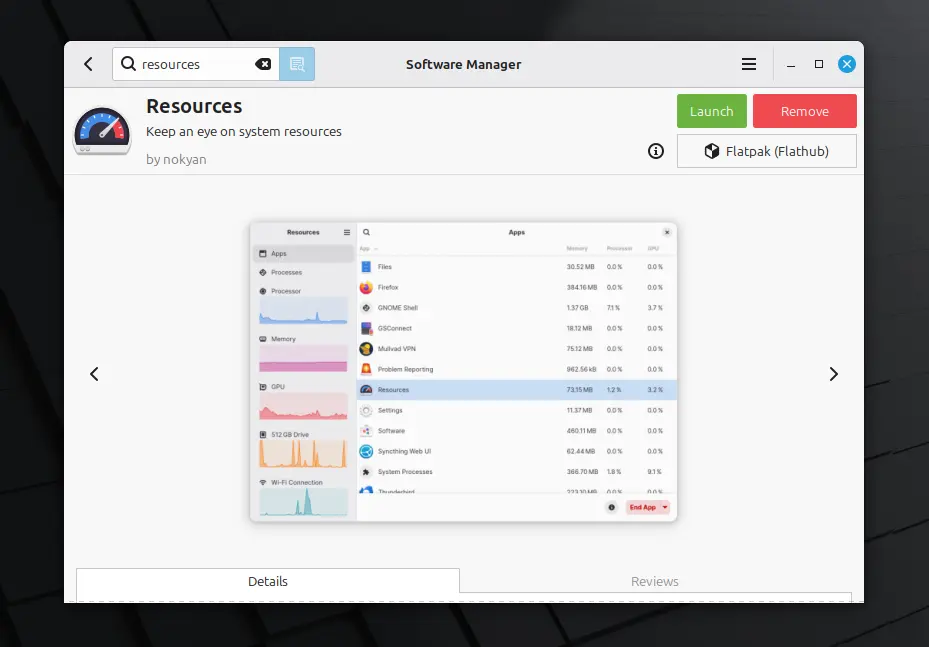
Resources flatpak package in Linux Mint Software Manager
Other Linux and old Ubuntu releases may install it as Flatpak package by following the 2 steps below one by one:
- First, enable flatpak support. For Debian/Ubuntu, simply open terminal and run the command below:
sudo apt install flatpak
- Then, install the app as Flatpak package:
flatpak install https://dl.flathub.org/repo/appstream/net.nokyan.Resources.flatpakref
If you already installed the app package (Flatpak), then try updating it via command:
flatpak update net.nokyan.Resources
Tips: You may replace update with run in last command to launch Resources from command line, instead of log out and back in to apply Flatpak environment variable if app icon is not visible.
(Optionally) Uninstall the Flatpak package via command:
flatpak uninstall --delete-data net.nokyan.Resources
source https://ubuntuhandbook.org/index.php/2026/03/resources-1-10-2-added-core-frequency-monitoring-for-intel-npu/


Tidak ada komentar:
Posting Komentar