
Zorin OS, the popular Ubuntu LTS based distribution released new 18.1 version yesterday.
The new version of this beginner friendly Linux distribution updated the kernel to Linux 6.17, while, it’s still based on Ubuntu 24.04 LTS package base with support until April 2029.
Thanks to Linux Kernel 6.17, Zorin OS 18.1 now supports with more hardware, including Intel Xe3 graphics, AMD hybrid laptop GPUs, Apple Magic Mouse 2 USB-C, and ASUS ROG Ally, Lenovo Legion Go, etc gaming handhelds. See this page for more about Linux 6.17.
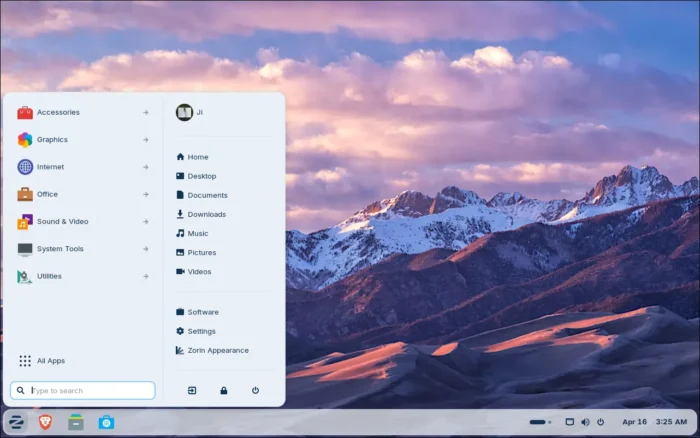
For users switched from Windows, this version now supports sideloading over 240 Windows apps installer. When you launch a supported Windows app installer, it will show a dialog directs users to install either the Linux native version or closest alternatives from Software store.
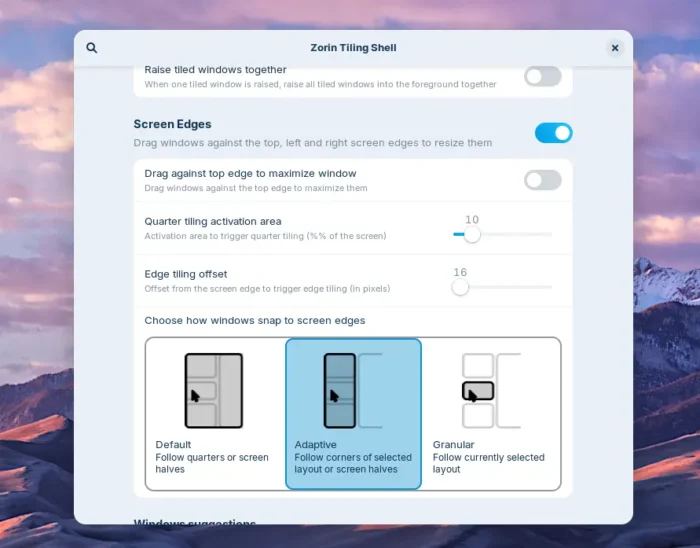
The window tiling feature that introduced in the last 18 version has been updated with new options. When switching to a tiled app from the taskbar or dash, it now brings all tiled windows to the foreground together.
User can now re-order the tiling layout using the edit layouts dialog. And, edge tiling has been updated that supports drag’n’dropping windows to your active custom tiling layout.
While the Pro and Core versions are based on GNOME 46, Zorin OS 18.1 finally introduced Lite Edition features the lightweight XFCE 4.20 desktop environment for old computers.
The Lite Edition features redesigned file manager app, out-of-the-box fingerprint reader support, and a built-in webapp tool to turn any website into a desktop app.
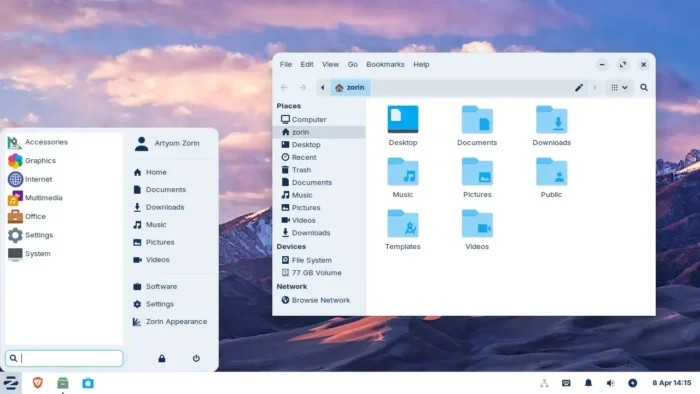
Zorin OS 18.1 Lite (image from zorin website)
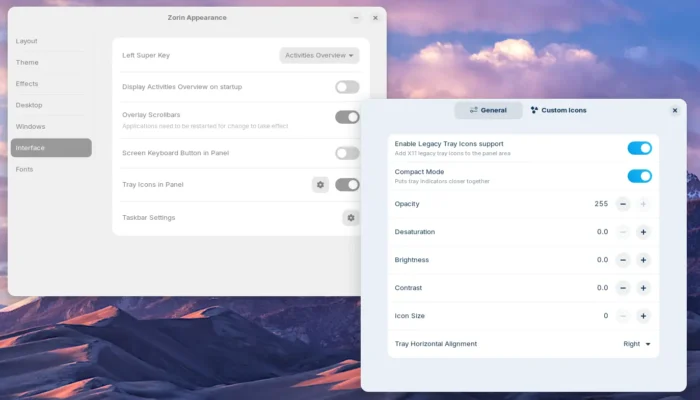
For applications with indicator icons (e.g., Dropbox, qBittorrent) on panel system tray area, the new version added a settings dialog, allowing to configure size, position, and opacity of these icons. And, it even supports using custom icons for your app indicators.
Other changes in Zorin OS 18.1 include:
- Right-to-left (RTL) language support in panel.
- Updated apps, such as LibreOffice 26.2.2, GIMP 3.2.2, and more
For more about the release, see the official announcement.
Get Zorin OS 18.1
Zorin OS provides .iso disc images for Pro, Core, Educational, and Lite Editions, which are available to download in its website via the link below:
While the Pro version needs to play $47.99, all others are free to use. And, users of Zorin 18 can upgrade to the new version by installing updates via “Upgrade Zorin OS” tool.
And, here’s the minimum hardware requirement for installing Zorin OS:
- 1 GHz Dual Core 64-bit Intel/AMD processor.
- 2 GB Memory (RAM).
- 15 GB (Core), 35 GB (Education), or 45 GB (Pro) HHD or SSD.
- 800 × 600 resolution display.
source https://ubuntuhandbook.org/index.php/2026/04/zorin-os-18-1-released-with-lite-edition-features-xfce-4-20/


Tidak ada komentar:
Posting Komentar