
Vivaldi, the free open-source chromium based web browser, release new major 8.0 version a few days ago.
The new version of this highly customizable web browser introduced visible layout presets, allowing to single click to change the panel and tab bar positions from either first start up welcome dialog or Appearance settings page.
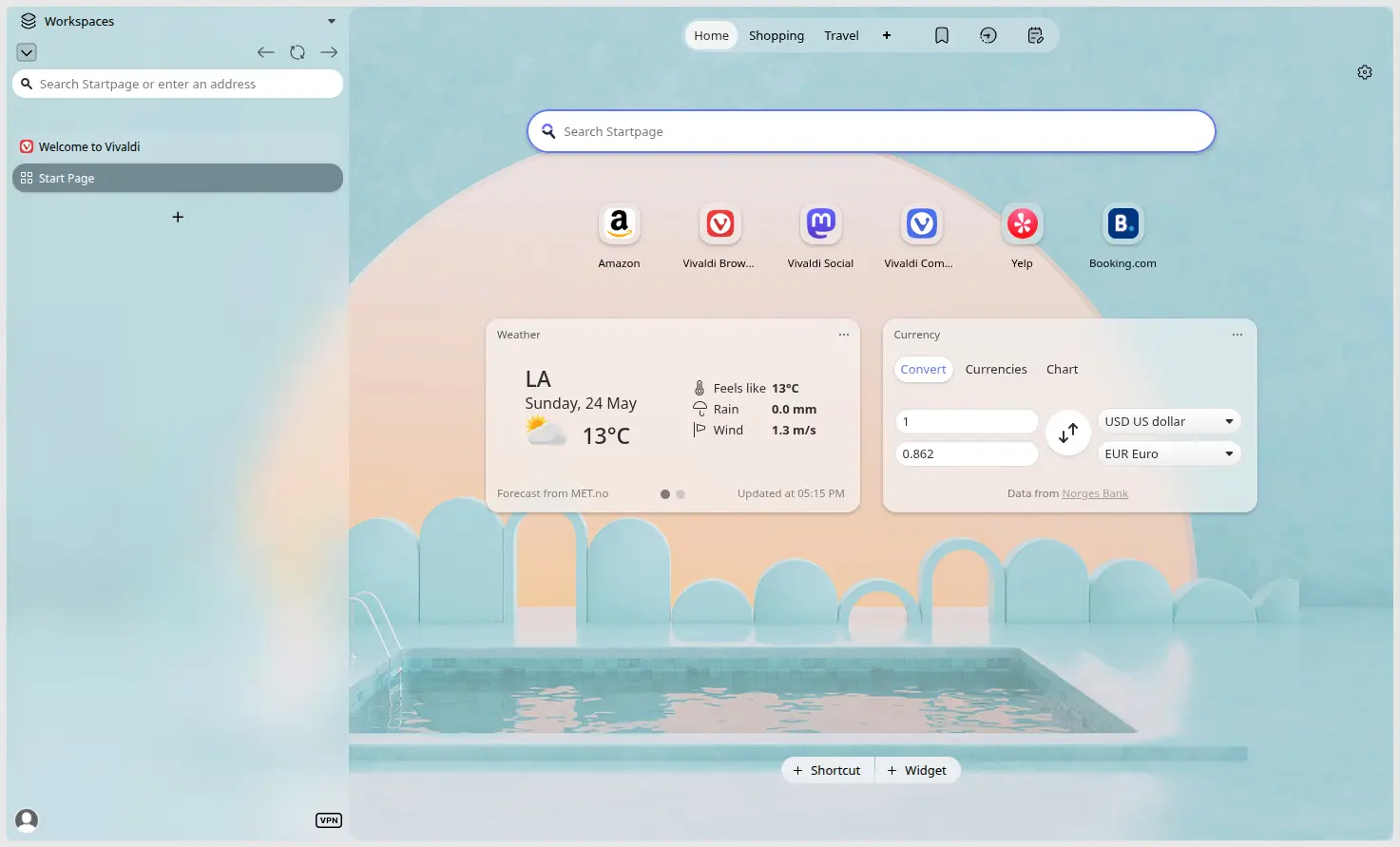
Besides the classic and simple layouts that have tab bar in top, user can one click to have vertical tar-bar while panel in the other side, or both tab-bar and address bar in bottom.
And, as you see in the screenshot, the Vertical Left layout has an unified new design with full-height left sidebar, that also comes with address-bar integration.
In the case, the header-bar is hidden. You may move mouse cursor over the top to show the header for title buttons (e.g., minimize, maximize, close) and main menu.
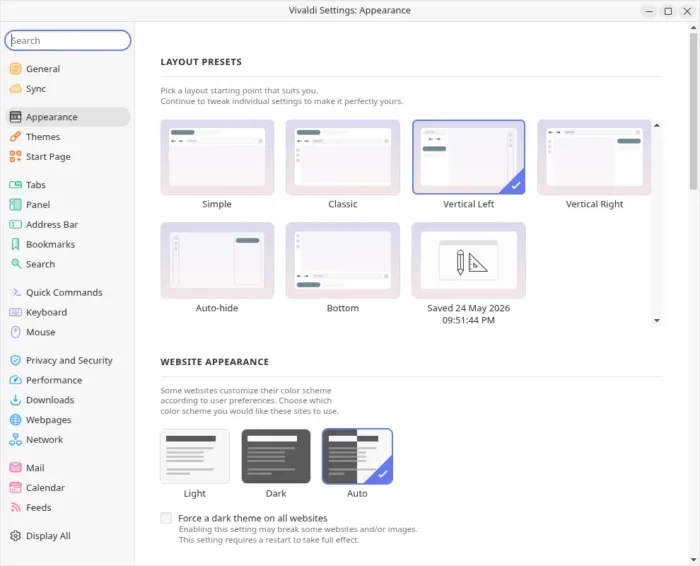
Besides the layout presets, the release also introduced and refined the themes. Rather than using separator lines and different colors, the tab-bar, panel, address bar (tool-bar) now feature an unified look and feel.
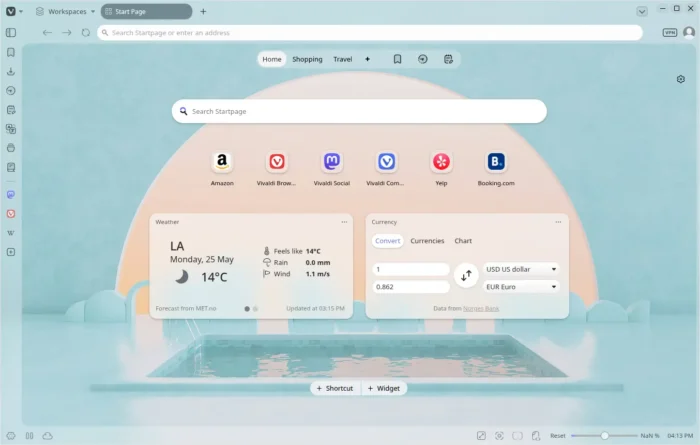
unified look and feel
Besides the new design and layout presets, the 8.0 version also added new context menu option to hide Notes/Calendar options, and added label to edit bookmark dialog from start page.
It as well fixed three-finger tap lookup gesture for macOS user, adjusted auto-hide animation speed and delay, and fixed crashes and various issues for built-in mail client.
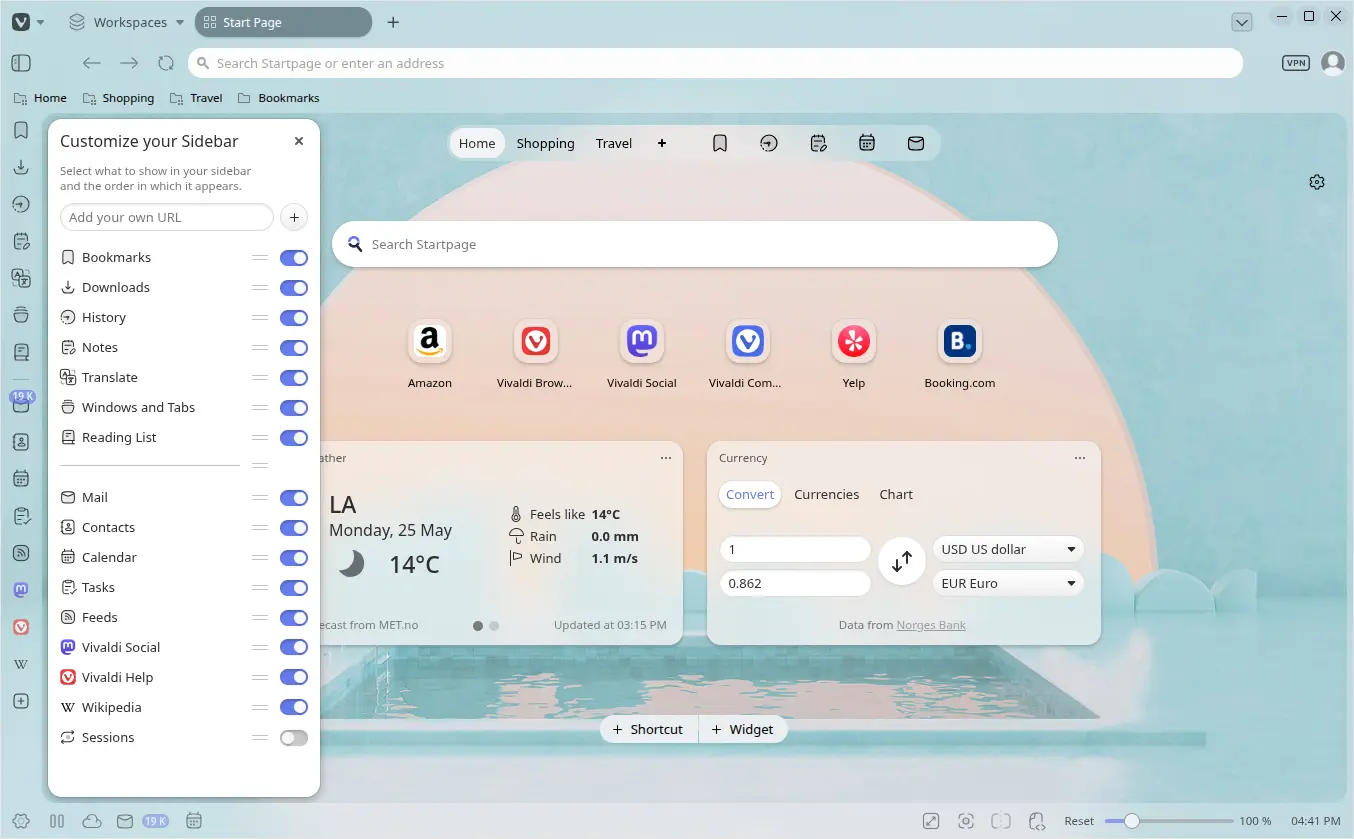
The customize sidebar and add web panel options have been merged into a single floating pop-over with modern design that includes toggle options and drag’n’drop re-arrange. And, site settings and tracker blocker in address bar have been combined into a single menu.
Other changes in Vivaldi 8.0 include:
- Rewrite tab management backend for better performance.
- New related tabs panel sort view.
- Disable “Close Window Confirmation” by default.
- Update to Chromium 148.0.7778.183.
For more about this version, see the official announcement.
Get Vivaldi browser 8.0
Vivaldi provides official installers for Linux, Windows, and macOS, which are available to download in its website via the link below:
For Ubuntu, either select download .deb (amd64/64-bit for Intel/AMD, or ARM64 for RasPi, Snapdragon X) and click open & install via App Center, or, simply launch App Center and search & install the Snap package which runs in sandbox.
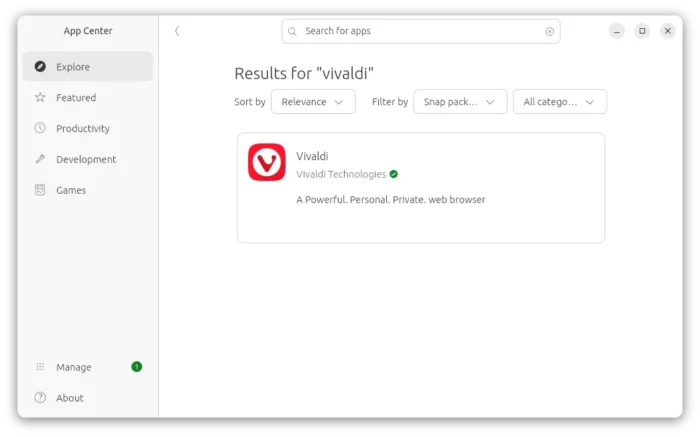
vivaldi snap package in Ubuntu App Center
For choice, there’s also community maintained Flatpak package, which can be installed directly from Linux Mint Software Manager (when unverified flatpaks enabled).
source https://ubuntuhandbook.org/index.php/2026/05/vivaldi-browser-8-0-released-layout-preset/


Tidak ada komentar:
Posting Komentar