
Blur my Shell, the popular extension that adds blur effect to GNOME shell, is finally adding blur support for pop-up menus.
Meaning that not only top panel, dash, and overview, but also calendar/notification popup, quick settings, OSD popups, right-click menus, switchers, and dialogs can be blurred now.
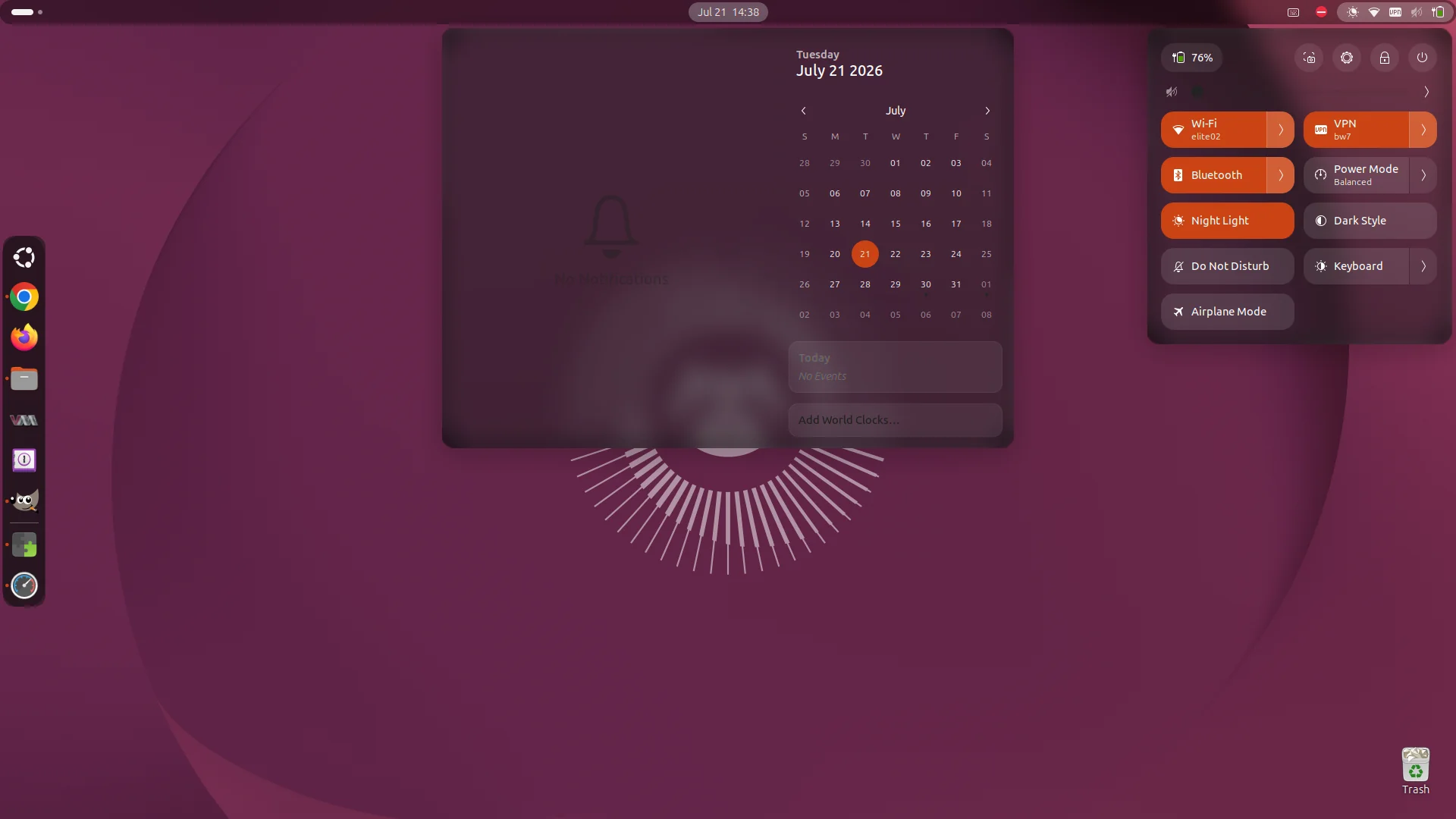
Blurred menus with Blur my Shell extension
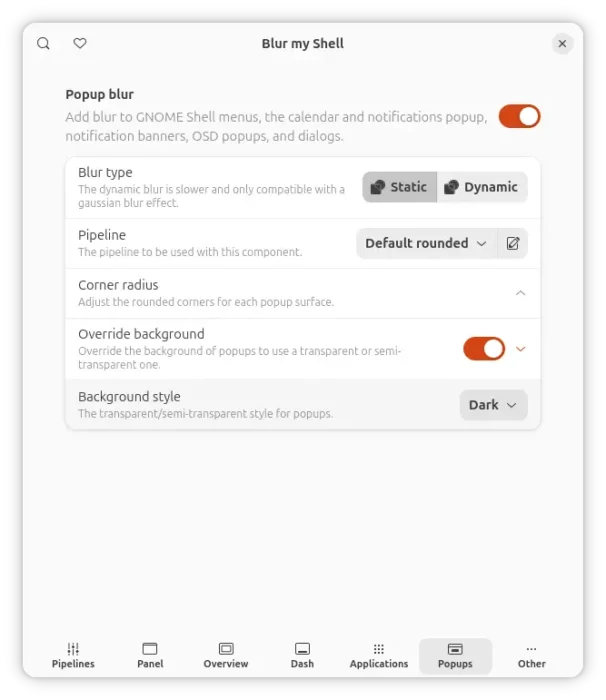
A new Popups blur tab is added into the preferences dialog, allowing to toggle on/off the blur effect to pop-up menus, as well control the pipeline (blur effect, sigma, brightness), corner radius, and background style.
The new blur uses the rounded blur helper when it is available to handle the rounding with dynamic blur. It creates a separate blurred layer behind each popup and keeps that layer perfectly aligned with the popup’s shape and position. This makes the popup look like frosted glass.
The Popups Blur so far is available in the master branch, which will be probably released in next 73 version. And, it’s working good (though needs a few tweaks) in my case in Ubuntu 26.04, without notable performance cost.
For more about the new Popups blur, see the pull request in the source page.
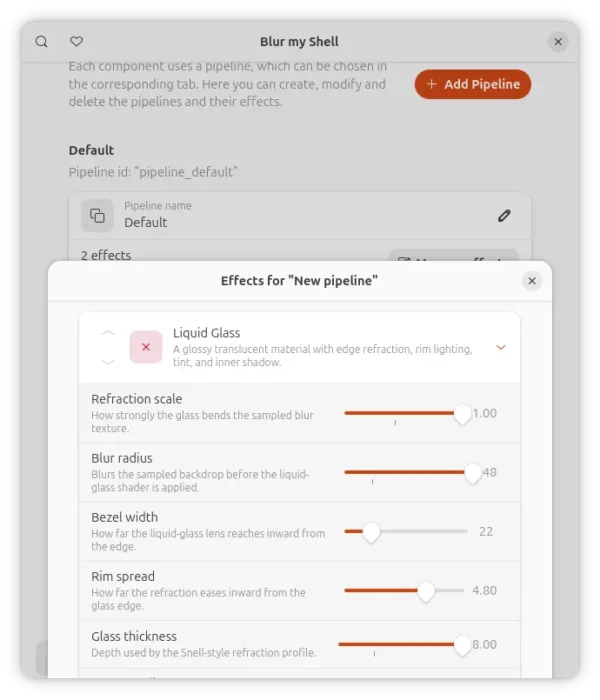
In addition, the extension adds new pipeline effect based on the iOS 26 Liquid Glass look.
The effect plugs into the existing Blur my Shell effect pipeline and samples the current pipeline texture behind the actor. From there, the shader uses a rounded-rect distance field to find the glass edge, corner radius, and outward normal. That edge data drives a Snell-style refraction profile so pixels near the border are displaced like they are passing through a beveled piece of glass.
The shader also applies a small internal blur pass, optional RGB fringing, tint, inner shadow, and a highlight pass based on backdrop luminance so brighter wallpaper areas can catch the rim a bit more naturally.
Though, not sure if it’s not working or something goes wrong in my case, but I do not find any visual difference to the native gaussian blur. See MORE about the Liquid Glass-style refraction effect.
Get Blur my Shell
The Blur my Shell extension is available in Gnome EGO website via the link below:
Ubuntu user may install “Extension Manager” app from App Center (or Ubuntu Software), then use the app to search & install the extension.
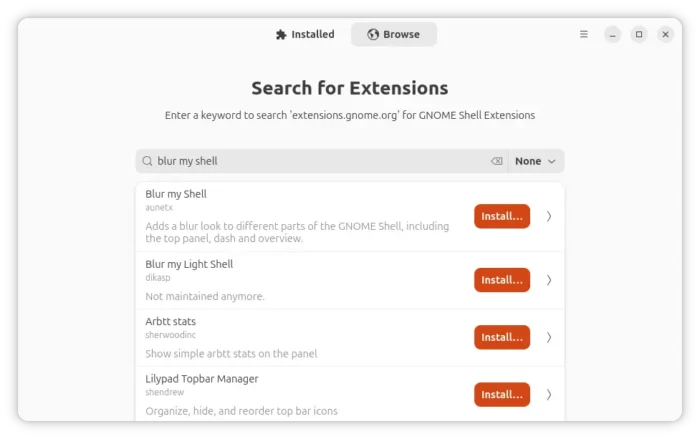
Extension Manager
As mentioned, the new features mentioned above are NOT released yet! If you want to try it out, try installing the master branch from source by running the commands below one by one:
git clone https://github.com/aunetx/blur-my-shell
cd blur-my-shell
make install
Finally, log out and back in to apply change. For more, see Blur my Shell in Github.
source https://ubuntuhandbook.org/index.php/2026/07/blur-my-shell-menus-osd-popups/


Tidak ada komentar:
Posting Komentar