
Looking a tool to manage your iPhone or iPad in PC or laptop? Try the free open-source iDescriptor app that works in Linux, Windows, and macOS.
It’s a Rust written and Qt-based application that allows to manage and interact with your iPhone, iPad, or iPod through either USB or Wi-Fi.
With it, you can quickly get an overview of your device information, including device name, iOS version, jailbroken or not, model name, serial number etc information, as well as battery health and disk usage.
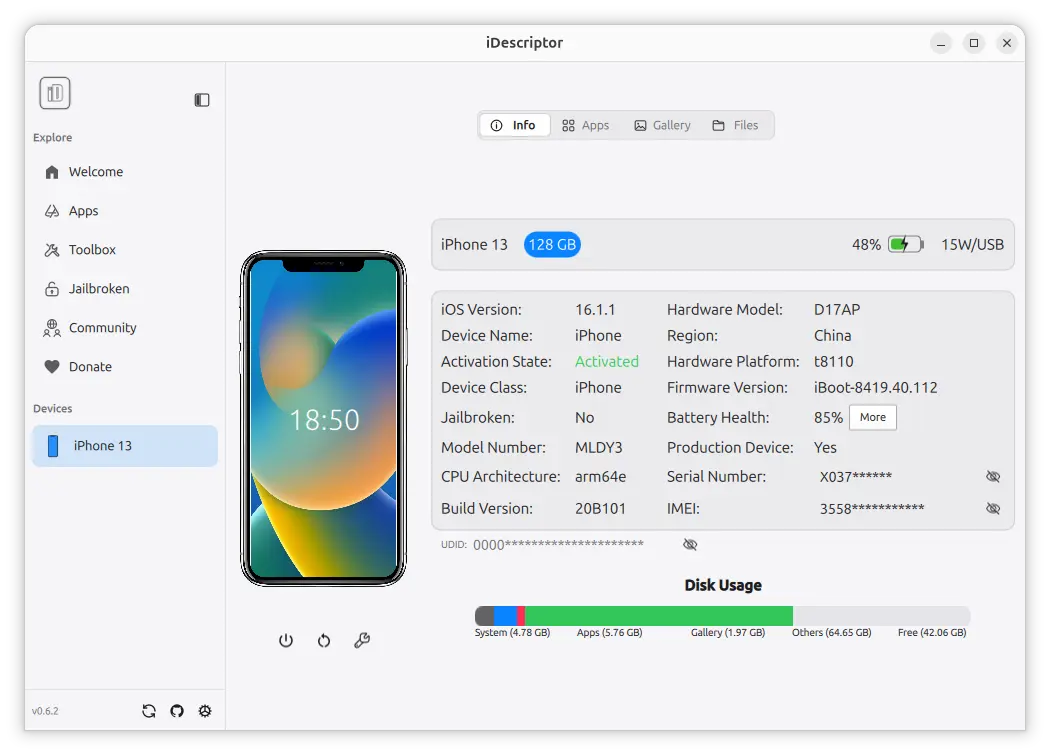
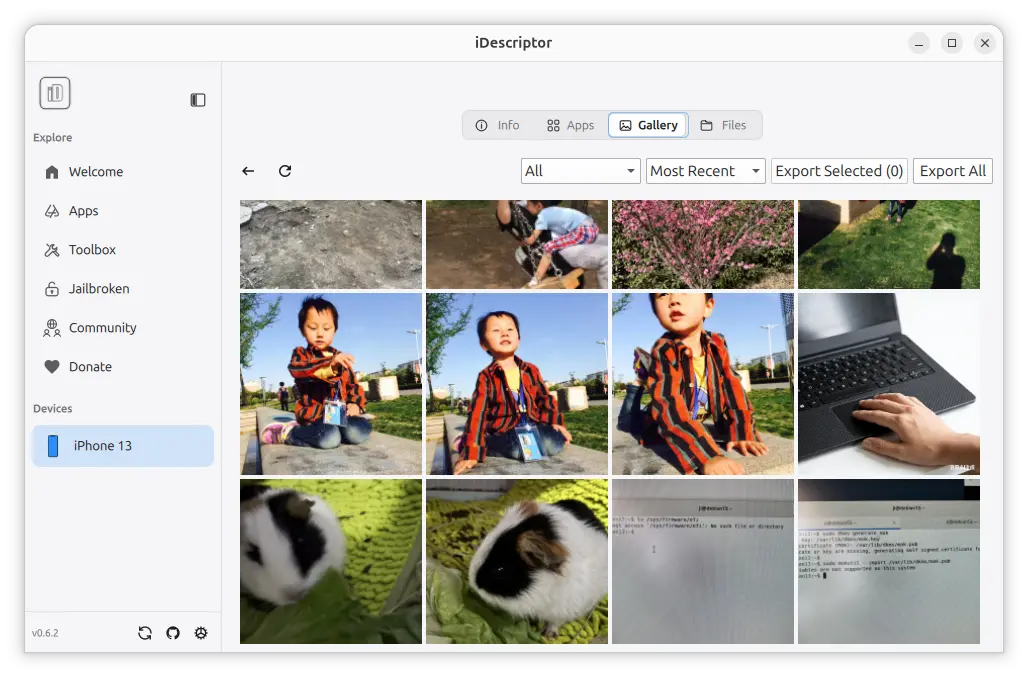
It also supports browsing and exporting your photo images, files, and app data (need app side support) from your iPhone/iPad to computer, or importing files from your computer to iOS devices.
Besides the basic file management, it also supports downloading and installing apps from App Store, though you need login with an Apple account.
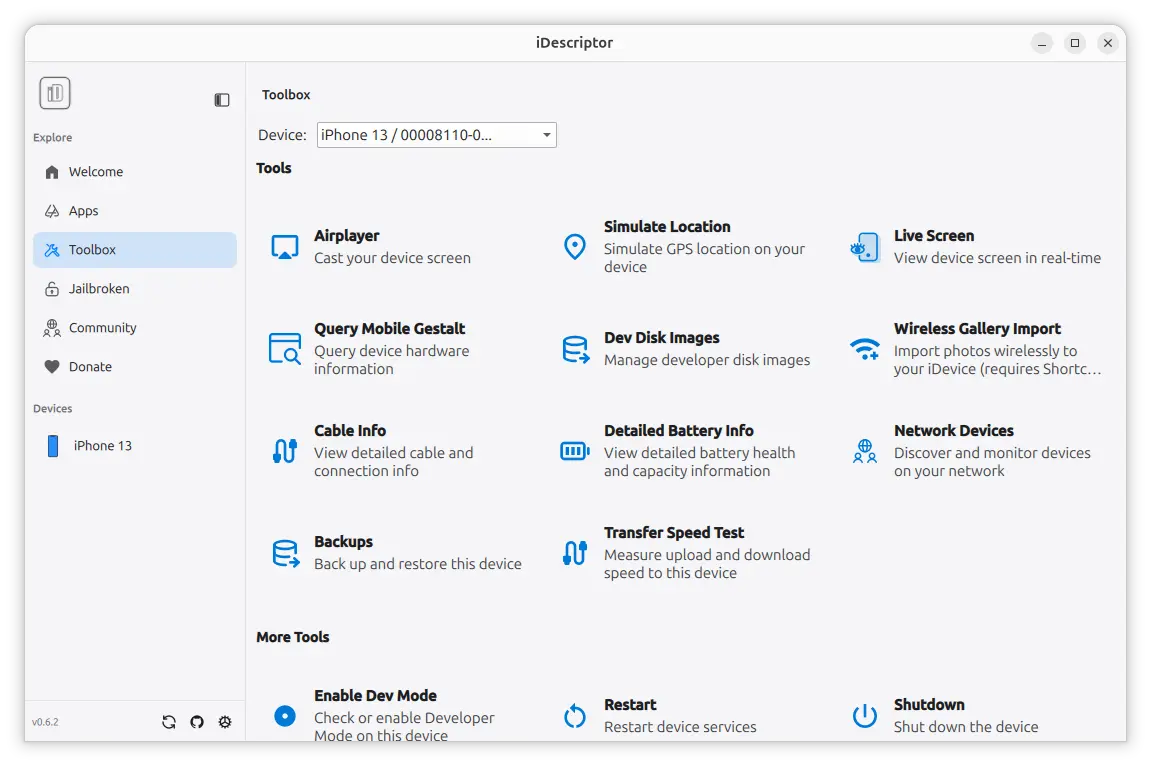
And, it provides many useful tools to interact with your iOS devices. They include:
- AirPlay – cast your iOS screen on computer screen with sound.
- Live Screen – for device that does not support AirPlay.
- Simulate Location – simulate GPS location on your iDevice!
- iFuse Mount – mount your iOS filesystem and use it as a regular drive, with read & write permission.
- backup and restore device.
- Speed Test – measure download and upload speed to the device.
It as well allows to SSH to your jailbroken iDevice, enable developer mode, and shutdown, reboot, and enter recovery mode. For more about the app, see the Github project page.
How to Install iDescriptor
The application provides official installer packages for Linux, Windows, and MacOS, which are available to download at the link below:
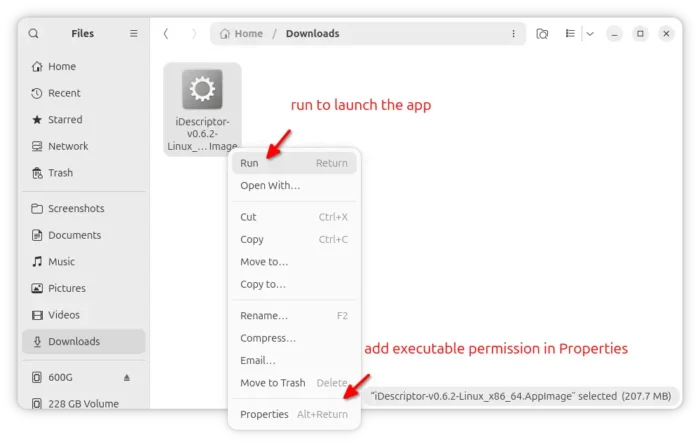
For Linux, select download the AppImage (X86_64 for AMD/Intel, arm64 for RasPi or SnapdragonX), add executable permission and run to launch the app, though Debian/Ubuntu needs to install the libfuse2 library first:
sudo apt install libfuse2
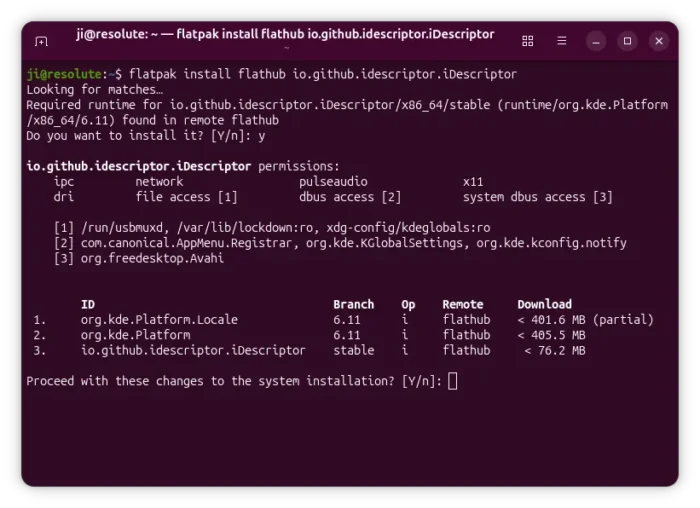
It’s also available to install as Flatpak package, which is available in Linux Mint Software Manager and Fedora GNOME Software, while other Linux needs to enable Flatpak support and run the command below to install the app as Flatpak package:
flatpak install https://dl.flathub.org/repo/appstream/io.github.idescriptor.iDescriptor.flatpakref
source https://ubuntuhandbook.org/index.php/2026/08/idescriptor-lets-you-manage-interact-with-iphone-ipad-in-linux/


Tidak ada komentar:
Posting Komentar