
The last Mesa graphics library 26.3, which was released a few weeks ago on November 4, now can be easily installed in Ubuntu through the popular kisak-mesa fresh PPA.
Mesa 26.3 is a new major release that features several new Vulkan extensions, improvements to AMD and Intel GPU drivers, better support for newer ARM and Qualcomm GPUs, and various other improvements.
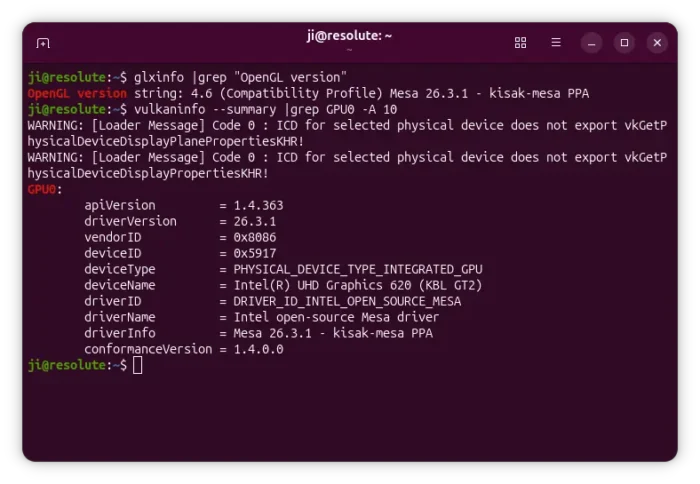
For AMD Radeon GPUs, Mesa 26.3 adds AMD Anti-Lag support through VK_AMD_anti_lag extension, and AMD GPU user queues support, though it requires the most recent AMDGPU kernel driver.
It as well improves AV1 and HEVC video decoding and encoding, and, improves ray-tracing acceleration structure handling, particularly on newer GFX12 GPUs.
On the Intel side, it adds support for Intel Xe3+ GPUs in the jay compiler, and additional compiler statistics for debugging and performance analysis.
For ARM Mali and Qualcomm GPUs, the release adds Mali G68 support to the Panfrost openGL driver, Mali G715 and G615 support to Panfrost and PanVK drivers.
It as well adds several Vulkan 1.3 features and extensions to PanVK, Adreno 710 and 720 support in Freedreno, and VK_QCOM_rotated_copy_commands to Turnip, the open-source Vulkan driver for Qualcomm Adreno GPUs.
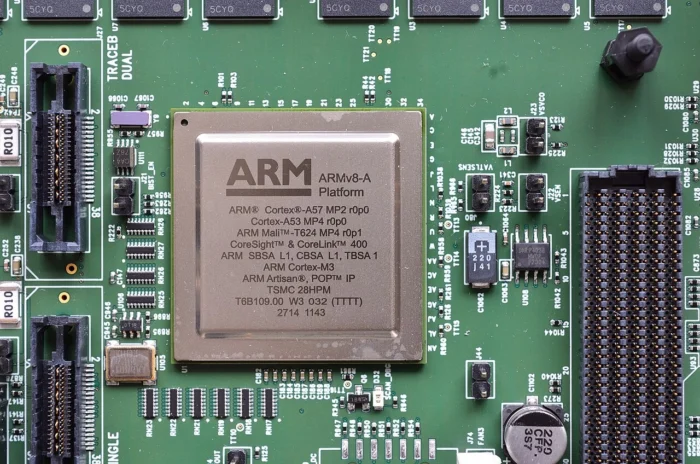
image from wikipedia.org
Other changes include:
- GLES 3.0 support to Etnaviv HALTI5 GPUs.
- Add several OpenGL extensions to older Etnaviv GPU generations.
- cl_ext_float_atomics support to Iris, llvmpipe and Zink.
- cl_khr_semaphore and related extensions to Iris.
- Add cooperative matrix support to PanVK.
- Add VK_EXT_cooperative_matrix_maintenance1 to RADV and Lavapipe.
- Fix for AMD VA-API video encoding and decoding.
- Various game and other fixes.
How to Install Mesa 26.3 in Ubuntu:
The popular kisak-mesa fresh PPA maintained by Kisak Missive, a developer from Valve Software (the company behind Steam), has been updated with Mesa 26.3.x for Ubuntu 26.10, Ubuntu 26.04, Ubuntu 24.04, Linux Mint 22.x.
To add the PPA, press Ctrl+Alt+T on keyboard to launch a terminal window, and run command:
sudo add-apt-repository ppa:kisak/kisak-mesa
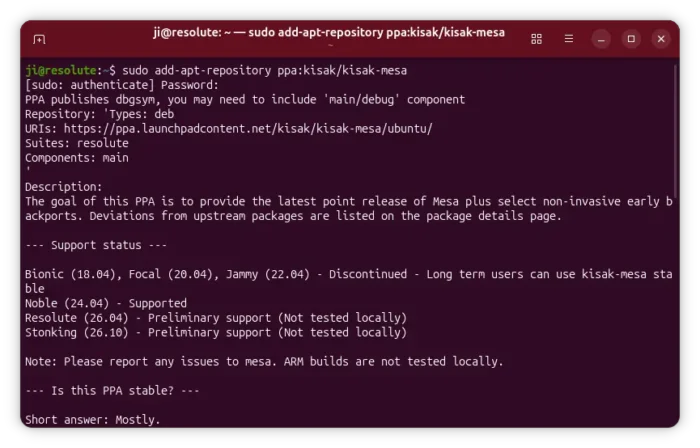
Then, you can then either launch “Software Updater” utility and install all the available updates, or run the commands below to get the latest Mesa graphics suite:
sudo apt update
sudo apt full-upgrade
Finally, restart computer and run either glxinfo | grep "OpenGL version" and/or vulkaninfo --summary command to verify the driver version.
Restore Mesa to the Stock version
For any issue, you may run the command below to install ppa-purge tool, then use the tool to purge the PPA, which also downgrade all the packages to the stock versions.
sudo apt install ppa-purge
sudo ppa-purge ppa:kisak/kisak-mesa
Also restart computer to apply changes.
source https://ubuntuhandbook.org/index.php/2026/11/you-can-now-install-mesa-26-3-via-ppa-in-ubuntu-26-04-24-04/


Tidak ada komentar:
Posting Komentar