
Scrcpy, the app to mirror and control your Android screen on Windows, Linux, and macOS computers, released new 4.1 version.
The new version of this free open-source application added VP8 and VP9 video encoding support, primarily intended as a fallback when H.264, H.265, and AV1 encoding are not available.
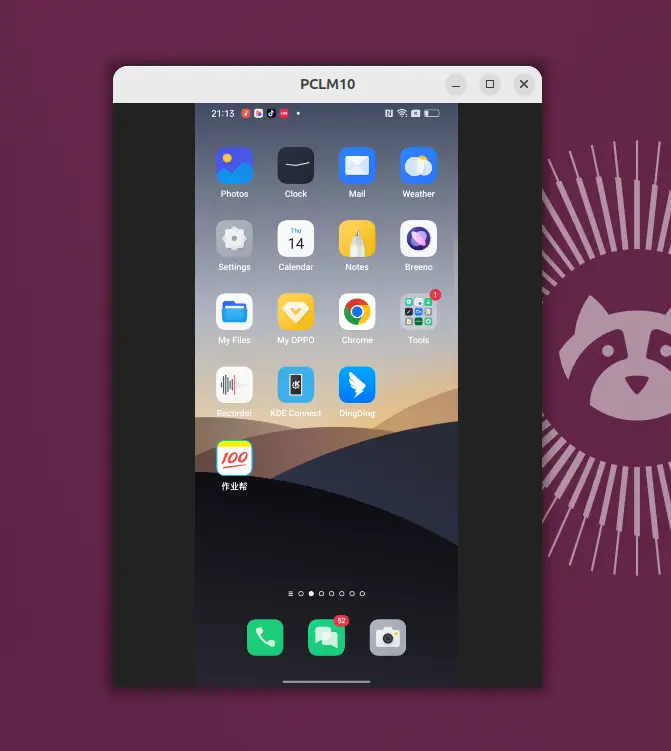
This is useful for devices, such as Onyx Boox Note X, that the manufacturer has intentionally disabled H.264 (AVC) and H.265 (HEVC) encoders in the firmware.
For devices that support the codec (use --list-encoders to tell), user may start scrpty with --video-codec=vp9 or --video-codec=vp8 flag to use the codec. However, as software-based encoders, there is a noticeable increase in latency compared to hardware-accelerated H.264/H.265, though user may workaround by reducing the stream resolution and frame rate.
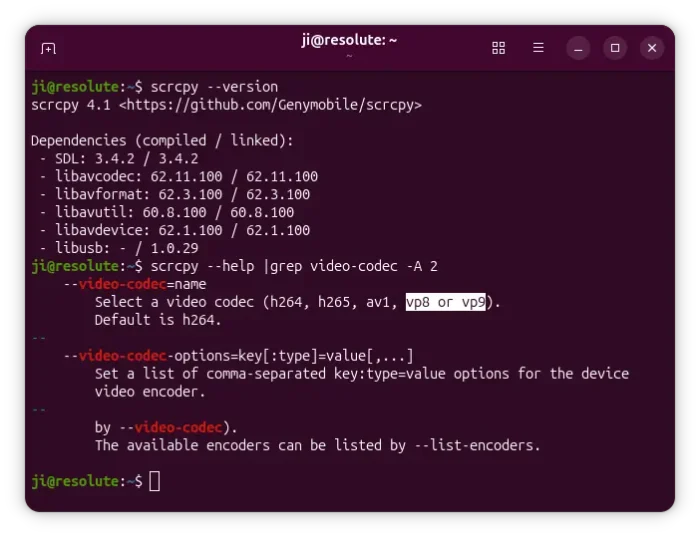
Besides new video codecs support, the new version also includes some improvements, bug-fixes, and tool updates.
It fixed some regressions that were introduced by the flex display feature in the last 4.0 release. They include camera configuration error and demuxer error whey trying to capture video from Android device’s camera, the app window does not match the requested size, and wrong detection of the maximum supported size.
It also added some keywords to the desktop entries, so that you can search scrcpy with adb, android, screen, mirroring, control, phone, etc keywords in your Linux application launcher, in case you forget how to spell the app name.
And, for those who start scrcpy regularly from command line. It now displays the terminal window or tab title with something looks like scrcpy - <device name> making easy to identify scrcpy tabs when multiple tabs are open. While, user may pass --window-title flag for custom titles.
The new 4.1 version now also added a media scan request after pushing files via drag’n’drop, so your Android apps will find the new files immediately. And, it fixed gamepad detection issue due to SDL2 to SDL3 migration.
Other changes include:
- Add
--ignore-video-encoder-constraintswhich may help to force--min-size-alignmentvalue. - Fix the darker app screen.
- Fix potential startup crash on Windows.
- Tool updates: FFmpeg 8.1.2, SDL 3.4.12, and libusb 1.0.30.
Get Scrcpy 4.1
The official release note as well as the packages for Linux, Windows, and macOS are available in Github via the link below:
For Linux on modern Intel/AMD platform, select download the “scrcpy-linux-x86_64-v4.1.tar.gz” package, then extract, move executable files to your PATH, and done.
For beginners, here’s a step by step guide show you how to install and set up Scrcpy in Ubuntu.
source https://ubuntuhandbook.org/index.php/2026/07/android-screen-mirroring-app-scrcpy-4-1-added-vp8-vp9-encoders-support/


Tidak ada komentar:
Posting Komentar