
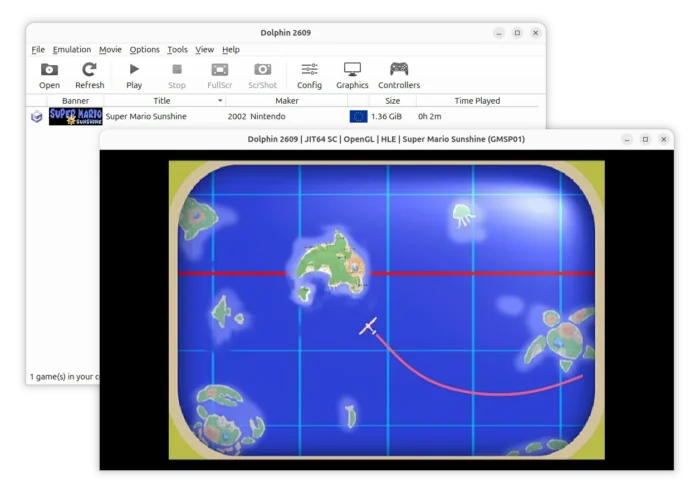
Dolphin, the free open-source GameCube and Wii emulator, released new 2609 version today after 3 months of development.
The new Dolphin Emulator version mainly includes new features and fixes for Android users, while PC platform also get a few updates.
The release now supports NetPlay feature on Android devices, allowing for online play in games that only had local multiplayer.
Currently, Android NetPlay only works through a standard network (e.g., Wi-Fi, Ethernet, etc). While, the developer team has started working on Wi-Fi Direct support, which allow NetPlay between nearby devices with no network, similar to how the Nintendo DS’s local Wi-Fi play worked.
Android and PC users can play together with NetPlay but with limitations. Due to different CPU architecture types, it uses different JITs that may cause desyncs.
Also for Android, the release added the Wii Balance Board support, allowing the peripheral and the 135 games that can use it to finally be playable in their balanced form for the first time ever on Dolphin Android.
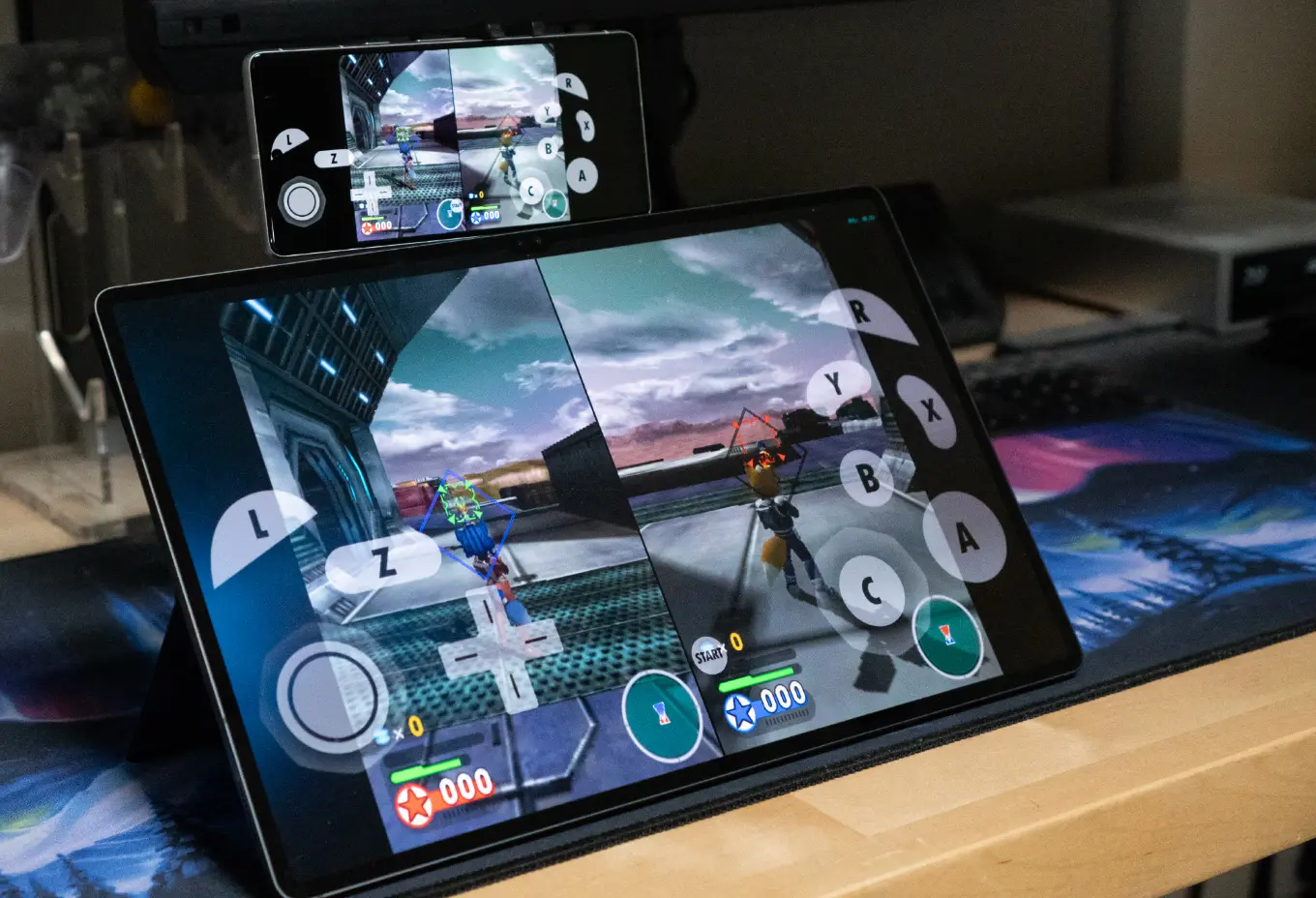
image from dolphin-emu.org
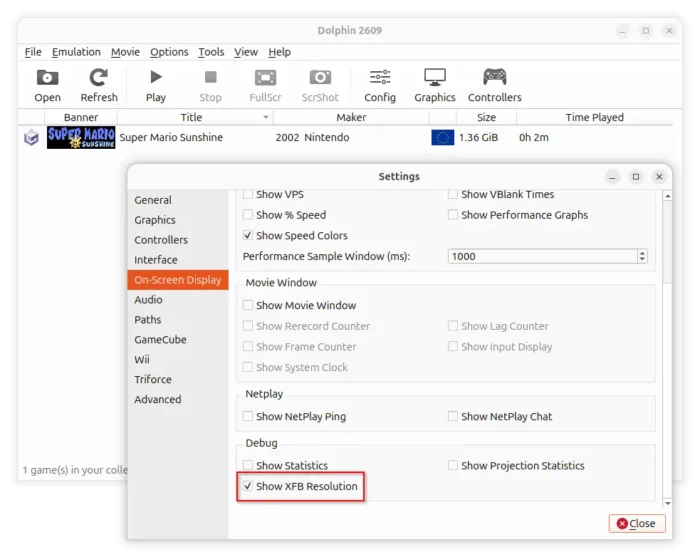
For debugging purpose, the 2609 version added new “Show XFB Resolution” option in the On-Screen Display settings page. With it enabled, you’ll see the game’s current resolution on-screen overlay in real time.
Other changes in Dolphin Emulator 2609 include:
- Use CMake building system on all platforms. DSPTool is no longer being shipped in the official Windows package.
- Add a search field to Dolphin’s settings on Android.
- Some fixes for controller vibration (rumble) on Android.
For more changes, see the official announcement, which also includes something about AI related bug-reports, and the macOS cryptominer incident.
How to Install Dolphin Emulator 2609
The official packages for Linux, Windows, macOS, and Android are available to download in its website via the link below:
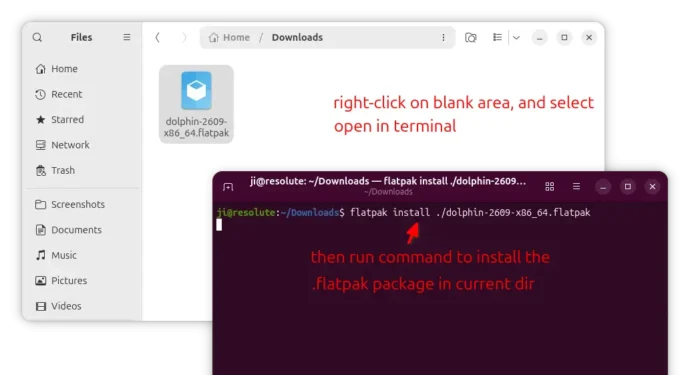
For Linux, select download the Flatpak package, x86_64 for Intel/AMD, aarch64 for Snapdragon X Elite etc ARM64 processors.
Then, open the Downloads folder in terminal, and run the command below to install it:
flatpak install ./dolphin-2609-*.flatpak
If the flatpak command does not found, then you need to enable Flatpak support first, and then log out and back in to apply changes.
For Ubuntu user who prefer native .deb packages, I’ve built the new version into this unofficial PPA for Ubuntu 24.04 and Ubuntu 22.04.
Simply open terminal (Ctrl+Alt+T) and run commands below one by one to add PPA and install it:
sudo add-apt-repository ppa:ubuntuhandbook1/dolphin-emu
sudo apt update
sudo apt install dolphin-emu qt6-qpa-plugins qt6-wayland
NOTE: The native .deb package (even the Ubuntu provided package) does NOT work in Ubuntu 26.04. Not sure what’s going wrong, but you may see this bug report for more about the issue.
source https://ubuntuhandbook.org/index.php/2026/09/dolphin-emulator-2609-released-with-android-netplay/


Tidak ada komentar:
Posting Komentar